
Free PNG to JPG Converter Online
Need a png to jpg converter that is fast, free, and easy to use? ToolSphare helps you convert PNG images into standard JPG files directly in your browser. Whether users search png to jpg, png to jpg converter, convert png to jpg, change png to jpg, png to jpg online, or png to jpg converter online free, this page is designed to match that intent and deliver a practical conversion workflow with adjustable quality and no sign-up required.
How to Use
- Upload your PNG image using drag-and-drop or the browse button.
- Adjust JPG quality with the slider — higher for photos, lower for smaller file sizes.
- Click Convert to JPG and download the converted file instantly.
Features
- Free PNG to JPG converter online with no account required
- Adjustable JPG quality from 50% to 100%
- Browser-based conversion for fast, private processing
- Works on desktop, tablet, and mobile browsers
- Useful for websites, email, documents, and social uploads
- No watermark on the exported JPG file
Convert PNG to JPG Online Free
This page is built for users searching high-intent phrases like png to jpg, png to jpg converter, convert png to jpg, change png to jpg, and png to jpg online. Instead of installing desktop software or paying for a subscription, ToolSphare gives you a direct browser workflow to turn PNG files into JPG images in seconds.
Searches such as png to jpg converter online, online png to jpg converter, convert png to jpg online, convert png to jpg online free, and png to jpg converter online free usually come from users who want speed and simplicity. They may need smaller file sizes for email, faster page loads for websites, or broader compatibility with apps that handle JPG better than PNG.
The workflow is straightforward: upload your PNG, choose a quality level, convert, and download. That direct path is what makes png to jpg one of the most searched image conversion tasks on the web.
Why Users Search PNG to JPG Converter Free
Commercial intent is strong for phrases like png to jpg free, convert png to jpg free, png to jpg converter free, and free png to jpg converter. Users already know the task they need to complete and are comparing speed, quality controls, file limits, and whether the tool requires registration.
This is also why branded searches appear in the keyword set, including cloudconvert png to jpg, adobe express png to jpg converter, i love pdf png to jpg, and canva png to jpg. Users know the category is useful and are looking for a free alternative or comparison.
ToolSphare positions itself as a free png to jpg converter for everyday image work. The page focuses on converting PNG files to JPG rather than general photo editing software, which gives clearer search intent and a stronger landing-page experience.
PNG File to JPG, Image, and Photo Conversion
Many users search using near-identical variants such as png file to jpg, image png to jpg, photo png to jpg, image converter png to jpg, png to jpg image converter, and convert png file to jpg. These all point to the same core problem: turn a PNG source file into a JPG output quickly.
Other supporting terms like convert pic from png to jpg, convert picture from png to jpg, change image format png to jpg, change photo format from png to jpg, and change file type from png to jpg add specificity. Some users have one screenshot or logo file, while others are converting product photos or graphics for upload limits.
By covering these variants naturally, the page can compete across broader and more specific PNG-to-JPG searches without becoming unfocused or stuffed with awkward repetition.
High Quality PNG to JPG and Compression Control
Quality-related searches such as png to jpg high quality, convert png to jpg without losing quality, png to jpg without losing quality, png to jpg without compression, and png to jpg high resolution show that users care about output fidelity as well as file size.
PNG is lossless and often larger than JPG. Converting to JPG reduces size, but aggressive compression can introduce visible artifacts. ToolSphare gives you a quality slider so you can balance sharpness and file size based on your use case — archival photos, website thumbnails, email attachments, or marketplace uploads.
Searches like compress png to jpg, png to jpg compressor, png to jpg 100 kb, and png to jpg 200 kb reflect users who want smaller outputs. Start with a moderate quality setting, convert a test file, and increase quality only if the result looks too soft for your needs.
How to Convert PNG to JPG
If you searched how to convert png to jpg, how to change png to jpg, how to change image format from png to jpg, or how do i convert a png file to a jpg, the process on ToolSphare is simple: upload the PNG, set quality, click convert, and download the JPG.
This matches user expectations for queries like how to convert png file to jpg, how to convert png image to jpg, how to turn png into jpg, how to save png as jpg, and how can i convert png to jpg. No software install, no account creation, and no waiting in a queue behind a paywall.
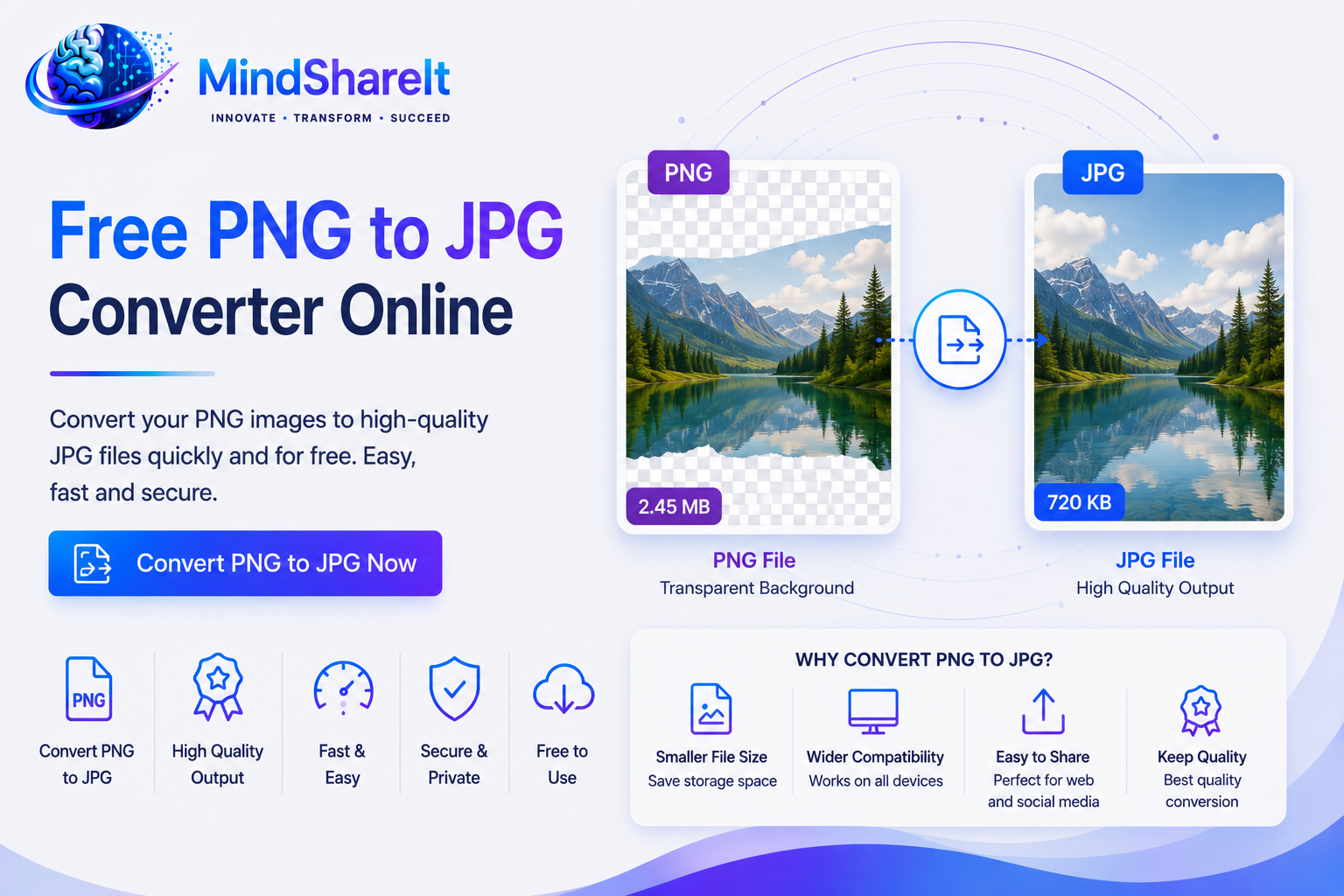
For best results, keep your original PNG as a backup if you may need transparency later. JPG does not support transparent backgrounds, so convert only when compatibility or file size matters more than alpha channels.
Batch and Bulk PNG to JPG Workflows
Workflow phrases such as batch convert png to jpg, bulk convert png to jpg, batch png to jpg, bulk png to jpg, png to jpg batch converter, and convert png to jpg in bulk usually come from users handling multiple screenshots, product images, or design exports.
Even when users start with one file, they frequently return with more assets from the same project. A repeatable browser workflow helps teams standardize exports without emailing installers or managing desktop licenses.
If you need to convert many PNG files, process them in groups and verify each output. Bookmark this page for quick repeat access instead of searching png to jpg converter every time you start a new batch.
Need JPG to PNG Instead?
This page converts PNG to JPG. If you need to go the other way, use ToolSphare's JPG to PNG converter so the workflow and output format match your goal.
For transparency-specific edits, use Background Remover when you need subject cutouts rather than simple format conversion.
Best Settings for Better Output
Start around 85–90 quality for a good balance of file size and clarity. Increase quality for text-heavy screenshots and reduce it for large photo batches.
Always keep your original PNG file when transparency matters, because JPG does not preserve transparent backgrounds.
Frequently Asked Questions
Is this a free PNG to JPG converter online?
Yes. ToolSphare works as a free png to jpg converter online, so you can upload a PNG file, convert it to JPG, and download the result without creating an account.
Will converting PNG to JPG reduce file size?
Usually yes. JPG compression typically produces smaller files than PNG, especially for photographs and complex images. Use the quality slider to control the balance between size and sharpness.
Can I convert PNG to JPG without losing quality?
Set the quality slider to 90–100% for the best results. Some quality loss is normal when moving from PNG to JPG because JPG is a lossy format, but high settings preserve detail for most everyday uses.
Does JPG support transparent backgrounds?
No. JPG does not support transparency. If you need a transparent image, keep the PNG or use ToolSphare's JPG to PNG or Background Remover tools depending on your workflow.
How is this different from CloudConvert or Adobe Express?
ToolSphare focuses on a fast, free png to jpg workflow with adjustable quality and no sign-up. Branded tools may offer broader format support, but this page is optimized for users who want a simple PNG-to-JPG converter online.
Can I convert JPG to PNG on this page?
No. This tool converts PNG to JPG only. For jpg to png, jpg to png converter, or convert jpg to png searches, use ToolSphare's dedicated JPG to PNG converter page instead.
Does this tool work on mobile?
Yes. The PNG to JPG converter works in modern mobile browsers. For large files, Wi-Fi is recommended for faster uploads and downloads.
Can I batch convert PNG to JPG?
You can convert files one at a time in the browser. For batch convert png to jpg workflows, process images sequentially and verify each output before moving to the next file.
