
Crop Image Online Free
Need to crop image online quickly without installing Photoshop or creating an account? ToolSphare helps you trim PNG, JPG, and WebP files with a visual drag-and-select cropper, aspect ratio presets, and exact pixel dimensions — all in your browser. Whether users search crop image online, image crop online, crop image online free, online image crop, or online image crop tool, this page is designed to match that intent and deliver a practical cropping workflow with no sign-up required.
Drag on the image to select crop area. Use handles to resize selection.
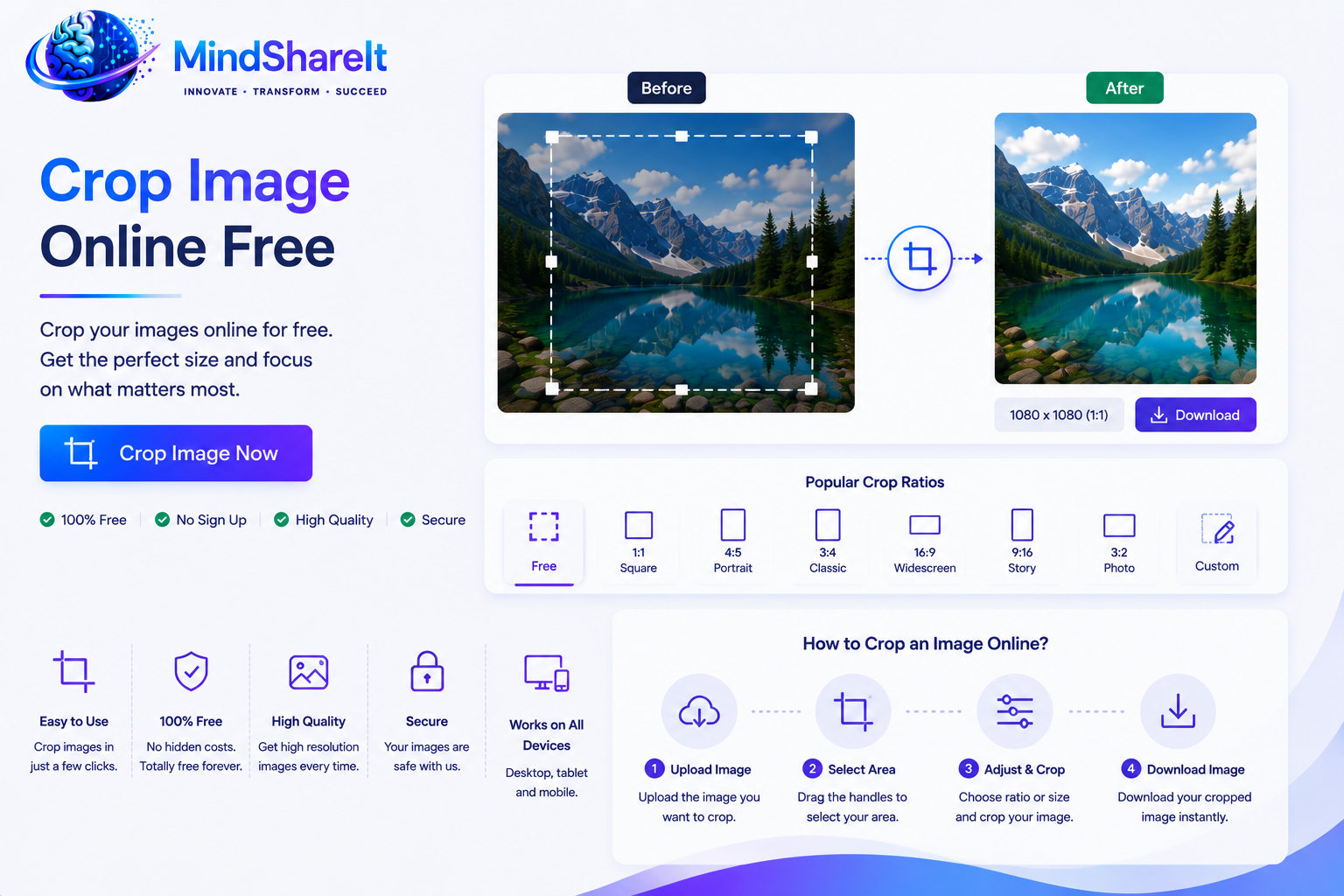
How to Use
- Upload a PNG, JPG, or WebP image using drag-and-drop or the browse button.
- Drag on the image to select the crop area and resize the selection as needed.
- Choose an aspect ratio (free, square, 16:9, 9:16, or 4:3) and set width/height in pixels if required.
- Click Crop & Download to save the cropped image instantly.
Features
- Free crop image online tool with no account required
- Visual drag-and-select cropping with resize handles
- Aspect ratio presets including 1:1 square and 16:9
- Exact width and height controls in pixels
- Supports PNG, JPG, and WebP input files
- 100% browser-based — images stay on your device
Crop Image Online Free
This page is built for users searching high-intent phrases like crop image online, image crop online, online crop image, online image crop, and crop image online free. Instead of downloading desktop software or paying for a premium editor, ToolSphare gives you a direct browser workflow to trim photos, screenshots, graphics, and social images in seconds.
Searches such as crop an image online, crop an image online free, crop image free online, free crop image online, and online crop image free usually come from users who want speed and simplicity. They may be preparing a profile photo, resizing a banner, trimming a screenshot, or cutting out the useful part of a product image before upload.
The workflow is straightforward: upload, drag to select, choose aspect ratio or pixel size, then download. That direct path is what makes crop image online one of the most searched everyday image-editing tasks on the web.
Online Image Crop Tool for PNG, JPG, and WebP
Format-specific searches such as crop png image online, crop a png image online, online image crop png, online png image crop, crop jpg image online, jpg image crop online, and crop image online jpg all point to the same need: trim a common image file quickly in the browser.
ToolSphare supports PNG, JPG, and WebP uploads, which covers the majority of photo, screenshot, and web-asset workflows. The cropped output downloads as PNG so edges stay clean, especially when your source image includes transparency.
If you need format conversion after cropping, ToolSphare also offers related tools such as PNG to JPG, JPG to PNG, and Image Compressor so you can crop first and optimize file size in the same session.
Crop and Resize Image Online by Pixels
Many users search crop and resize image online, crop resize image online, image resize crop online, online image resize and crop, crop image size online, crop image online by pixels, and crop image with dimensions online. These queries reflect a combined need: remove unwanted edges and control the final output size.
ToolSphare shows the selected crop width and height in pixels as you adjust the selection. You can also lock common aspect ratios such as 1:1 square, 16:9, 9:16, and 4:3, which is helpful for thumbnails, banners, stories, and presentation slides.
For users searching crop image online aspect ratio, crop image aspect ratio online, or crop image online 16 9, the preset ratios make it easier to produce platform-ready dimensions without manual math.
Square Crop and Profile-Photo Workflows
Square-crop searches such as crop image in square online, crop image square online, crop image online square, crop to square image online, and center crop image online are common for avatars, marketplace listings, and social profile images.
ToolSphare includes a 1:1 Square aspect ratio preset so you can crop image online to a perfect square quickly. This is useful when you need a consistent frame before uploading to Instagram, LinkedIn, WhatsApp, or ecommerce platforms.
Circle and round-crop searches like crop circle image online, round crop image online, crop image to circle online, crop image in circle shape online, and online image crop in circle represent a different visual output — a circular mask rather than a square crop. This page focuses on rectangular cropping with square presets. For transparent cutouts or subject isolation, users may also want ToolSphare's Background Remover tool.
Manual Crop vs Auto Crop
Queries like auto crop image online, automatic crop image online, auto crop image online free, crop image automatically online, and ai crop image online free usually expect subject or edge detection.
ToolSphare currently focuses on manual crop image online and crop image manually online workflows. You drag to define the exact area you want, which is ideal when you already know the frame you need or when automatic detection might cut off important content.
Manual cropping is often the better choice for screenshots, banners, product photos with fixed composition, and design assets where precision matters more than automation.
What This Page Does Not Target as the Main Intent
Your keyword set also includes adjacent tasks such as crop pdf image online, crop image from pdf online, crop image online pdf, crop gif image online, crop svg image online, crop video image online, and bulk image crop online. Those are related to cropping in general, but they are not the same workflow as trimming a standalone PNG, JPG, or WebP photo in the browser.
To keep search intent clean, this page focuses on image crop online for common photo and graphic formats. Users who need PDF page cropping should use ToolSphare's PDF tools instead of expecting this image cropper to process document files.
Likewise, freehand crop image online, crop image freehand online, crop image irregular shape online, and crop image in heart shape online reflect custom-shape editing that goes beyond rectangular selection. This tool is optimized for fast rectangular and preset-ratio cropping rather than arbitrary mask shapes or batch production.
Tips for Better Crop Quality
Use the highest-quality source image you have before cropping. Repeated editing and re-saving can reduce clarity more than the crop itself.
If you need the same framing across multiple images, choose one aspect ratio and keep it fixed for a consistent final set.
Frequently Asked Questions
Is this a free crop image online tool?
Yes. ToolSphare lets you crop image online free without creating an account. Upload your file, select the area, and download the result instantly.
Which image formats can I crop?
You can upload PNG, JPG, and WebP files. This covers common searches like crop png image online, crop jpg image online, and general image crop online workflows.
Can I crop and resize image online at the same time?
Yes. Drag to choose the area you want, then use the width and height fields or aspect ratio presets to control the final crop size in pixels.
Does this tool support circle crop image online?
This tool uses rectangular selection with square, widescreen, and portrait ratio presets. It does not apply a circular mask directly. For square profile crops, use the 1:1 preset; for cutout-style edits, try the Background Remover tool.
Is cropping done in the browser?
Yes. Image cropping happens entirely in your browser, so your files are not uploaded to ToolSphare servers during the crop process.
Can I crop PDF images on this page?
No. This page is for standalone image files such as PNG, JPG, and WebP. For crop pdf image online searches, use ToolSphare's PDF tools instead.
Does this auto crop images?
No. This is a manual online image crop tool where you drag to select the exact area. That gives you more control than automatic cropping for screenshots, banners, and product photos.
Will cropping reduce image quality?
The crop itself does not add compression beyond the selected area. For best results, start with the highest-quality source image available and avoid repeated re-saving across multiple editing steps.
